
Track leads & customers from AI in Calendly
Use Attributer to capture AI referral data with each Calendly booking, so you can see how many bookings you're getting from AI tools like ChatGPT and Gemini
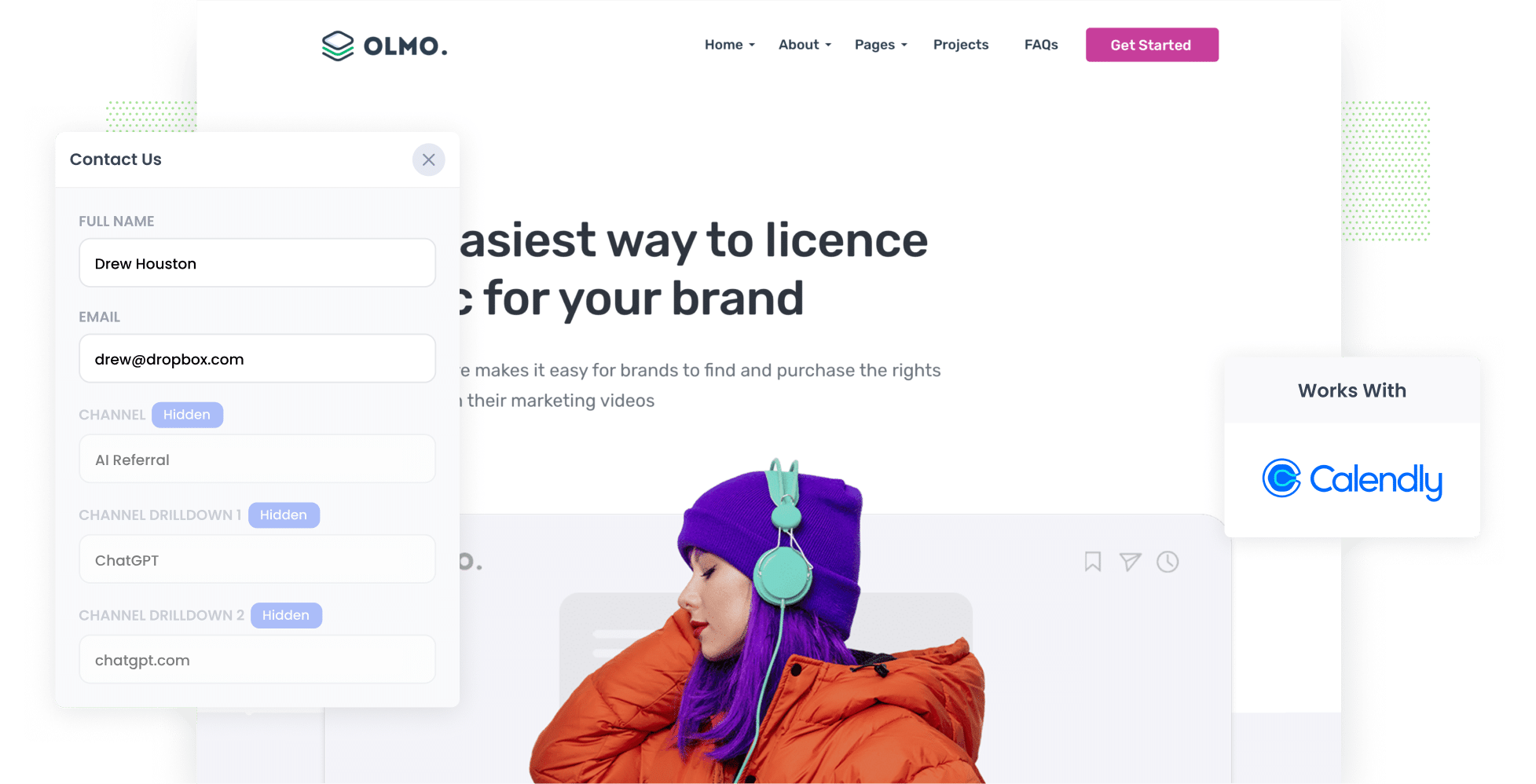
Attributer passes AI referral data (like the fact a lead came from ChatGPT) through with every Calendly booking made on your website. You can send it on to your CRM and other tools, then run reports showing how many meetings, leads and customers AI is actually generating for you.
Is anyone actually booking meetings with you because ChatGPT, Claude or Gemini recommended you? And if they are, how many?
Right now everyone is chasing 'mentions' and 'citations' in AI answers. But a mention is a long way from a booked sales meeting, and if you are going to make real, informed decisions about your AEO/GEO strategy, you need to know how many meetings are being booked, which tools are sending these people to you, what content is attracting them, and more.
Luckily, it's easy to find that out.
In this post, we'll walk through how to use a tool called Attributer to pass AI referral data through with every Calendly booking made on your website, and how to get that data into your CRM and other tools. Finally, we'll show you a few reports you can run to see exactly how many leads and customers AI is generating for your business.
4 steps to track leads & customers from AI in Calendly
Using Attributer with Calendly shows you how many sales meetings AI tools are generating for your business (and whether those leads ever become customers). Here's how it works:
1. Install Attributer and set up your Calendly embed
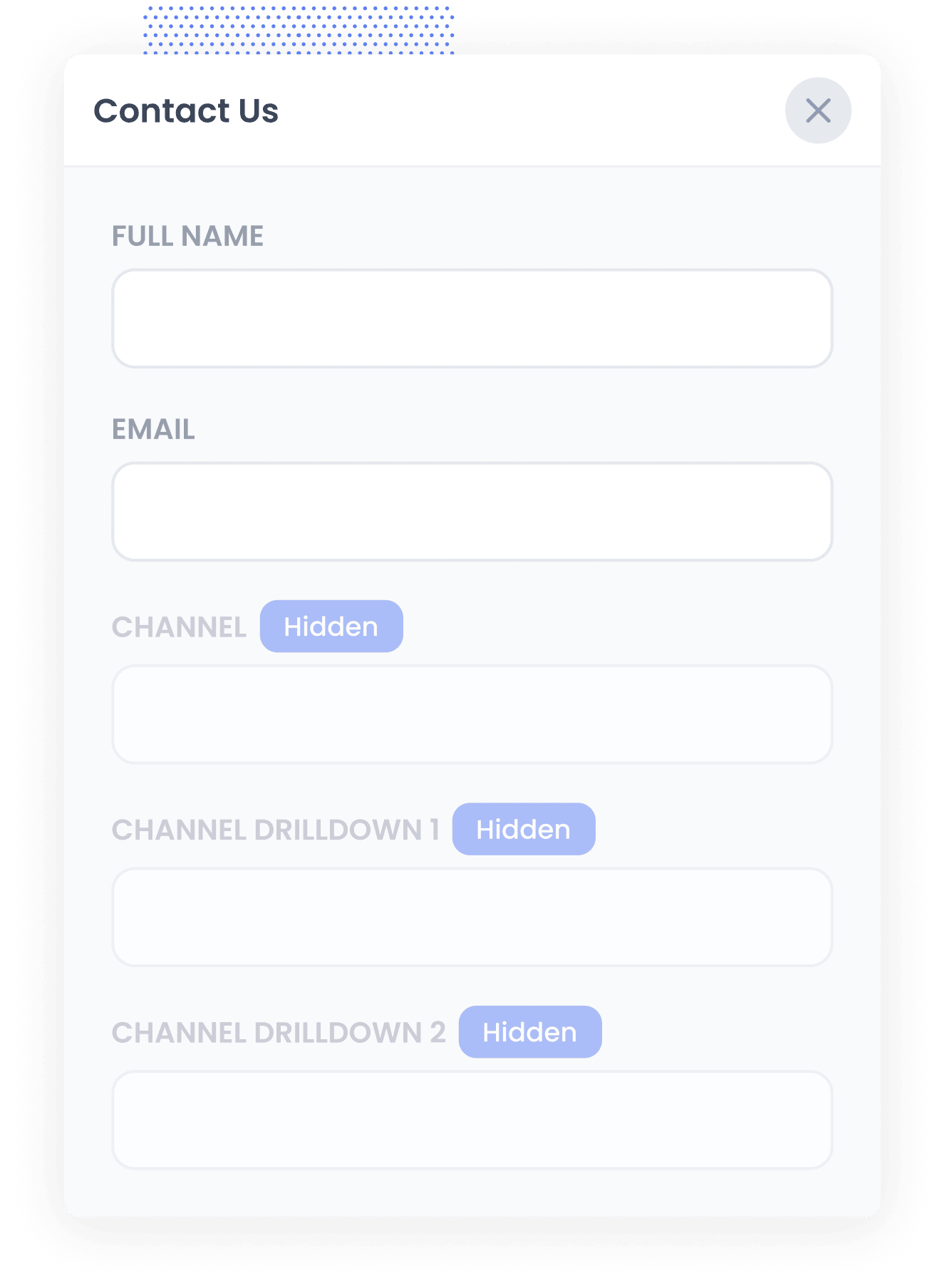
Begin your 14-day free trial of Attributer and you'll get a small snippet of code to add to your website. You'll find instructions for installing it here.
Once that's done, copy the link to the Calendly event, personal landing page or routing form you want to use, then paste it into the embed code generator in our setup guide. It gives you a version of the standard Calendly embed code that tells the widget to fill its UTM fields with Attributer's data. Paste that code on your site wherever you want the booking widget to appear. The full instructions are here.
2. Attributer works out where each visitor came from
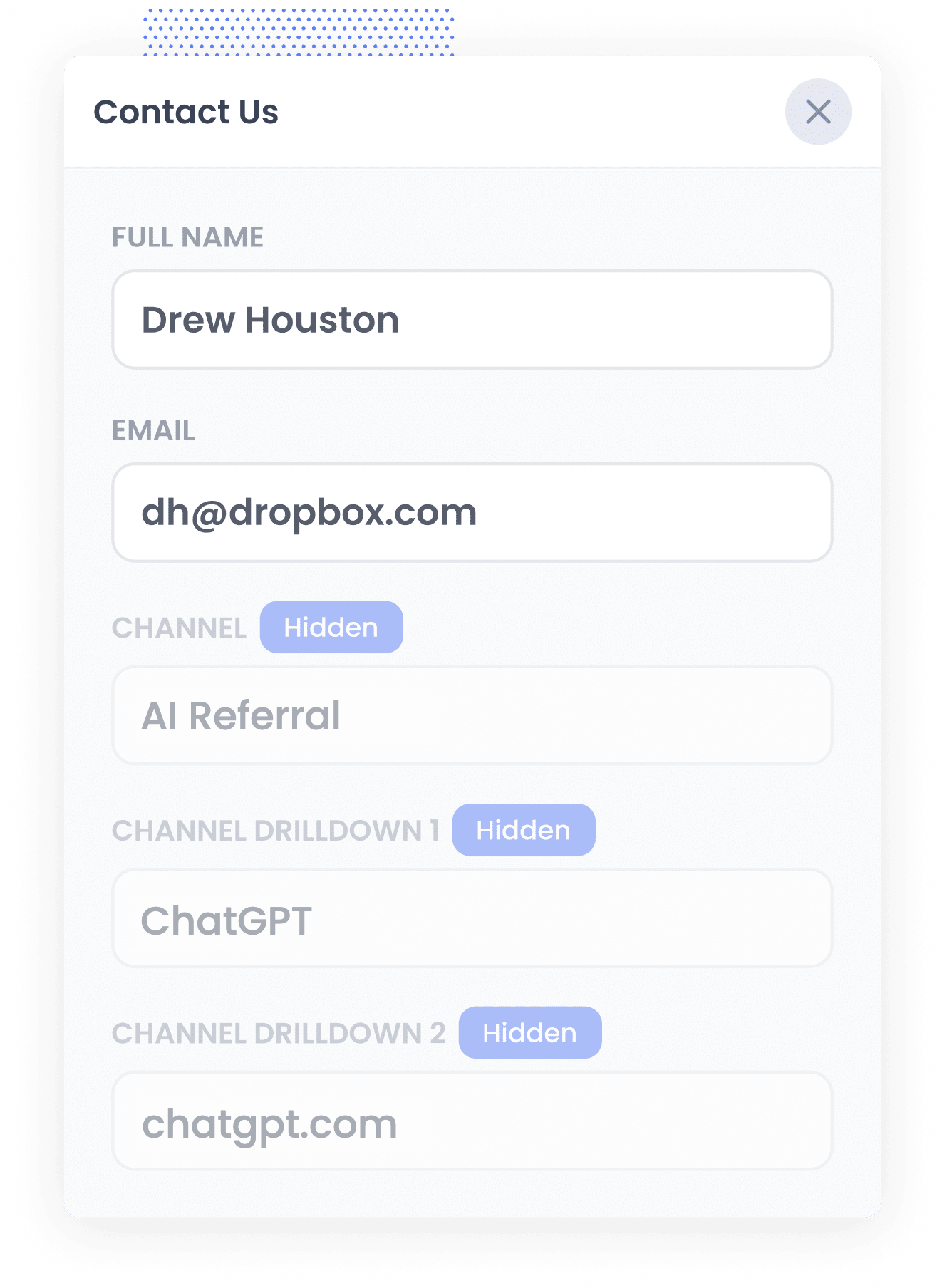
As soon as someone arrives on your website, Attributer checks a range of signals to figure out how they found you.
It then uses those signals to categorise the visitor into a channel like AI Referral, Organic Search, Paid Search or Paid Social, and saves that in their browser.
Then, when the visitor books a time through the Calendly widget on your site (say, a 'Book a Discovery Call' or 'Free Consultation' meeting), Attributer passes that source data into the booking.
3. AI data is captured with the booking
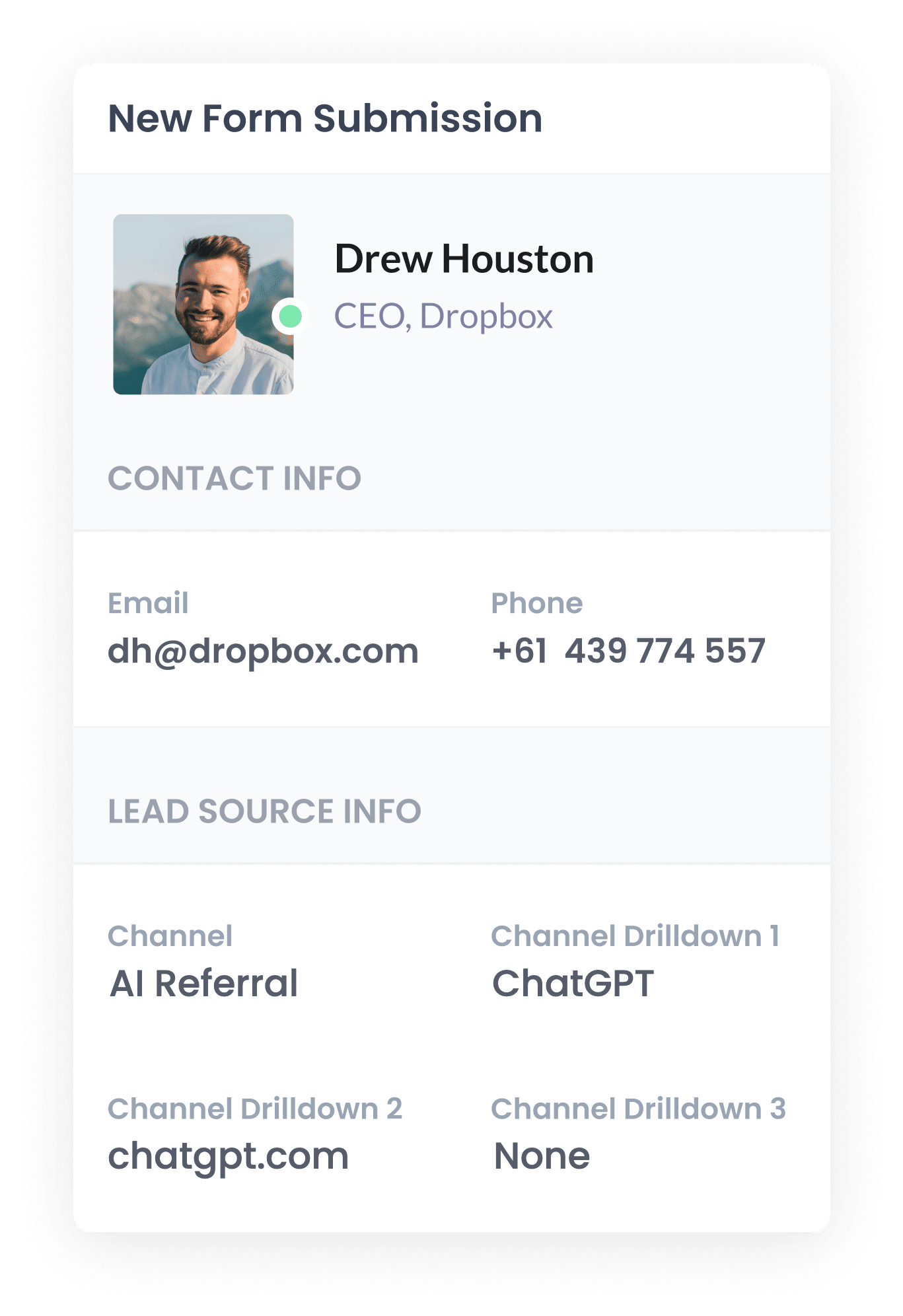
Once the meeting is booked, the AI referral data is saved with it in Calendly, alongside the invitee's name, email and any answers they gave to your booking questions.
To see it, open the specific meeting record from the Meetings page in your Calendly account, and you'll see it in the UTM details section. From there, you can pass it to your CRM using one of Calendly's built-in integrations (like HubSpot or Salesforce), or with a tool like Zapier or Make.
4. Report on AI leads
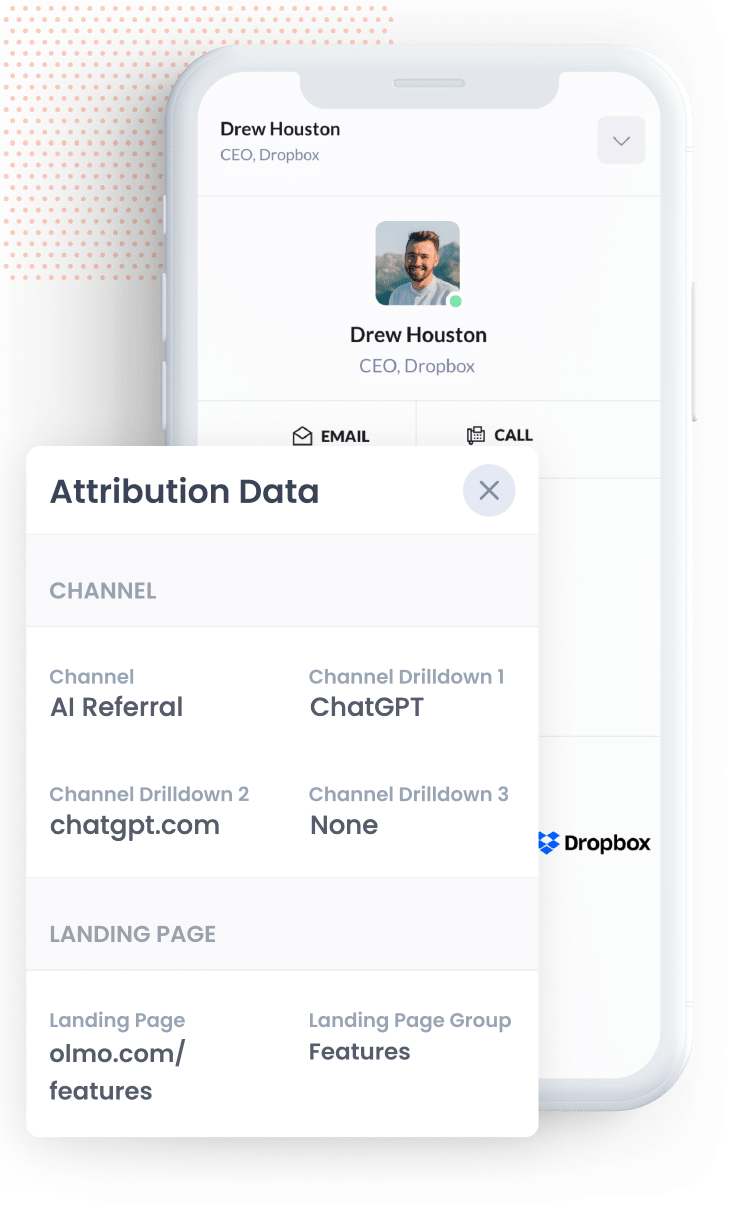
Once the data is sitting in your CRM (or wherever you keep your leads), you can build reports that show how many meetings, leads and customers came from AI, which AI tools sent them, and how much revenue they brought in.
Most CRMs have built-in reporting that handles this without any trouble. Or if you'd rather use a dedicated reporting tool, then tools like Tableau, Google Data Studio and Microsoft Power BI all work well.
Or if you want to skip building reports altogether, just connect Claude or ChatGPT to your CRM and ask "How many leads did we get from AI referral this month?"
What data gets captured
Attributer tells you how each lead reached your website. As an example, imagine you run marketing for a commercial real estate agency, and the owner of a growing business asks ChatGPT to suggest an agent who can help them find a bigger office. They click through to your site and use your Calendly widget to book a call with one of your leasing agents. This is what would be captured with the booking:
- UTM Medium = AI Referral
- UTM Source = ChatGPT (or whichever AI tool sent them)
- UTM Campaign = chatgpt.com (the domain they came from)
- UTM Term = None (AI referrals don't have a deeper level of detail, so this shows as None)
3 example reports you can run when you capture AI data in Calendly
Throughout my 15 years in marketing, I've built more reports than I can count trying to figure out which channels were pulling their weight and which ones weren't. Below are the 3 I return to again and again, and they're all simple to put together once Attributer is set up with Calendly:
1. Leads by Channel
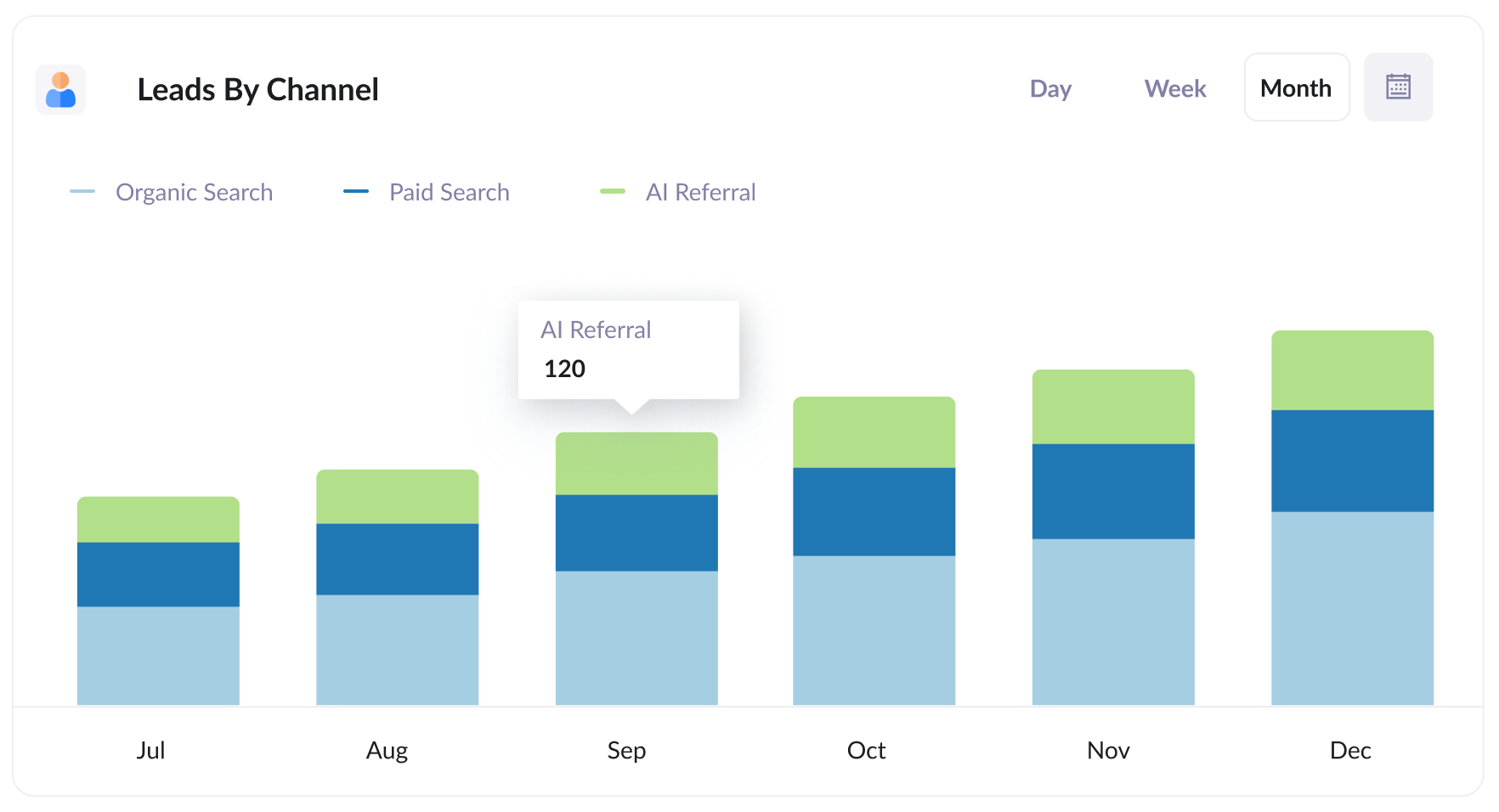
This report shows how many leads you get each month, split by the channel they came from (like AI Referral, Organic Search, Paid Search, Paid Social and so on).
It tells you exactly how many leads AI is bringing in, and lets you stack that up against your other channels so you can judge how much AEO/GEO really matters to your business.
2. Customers by AI tool
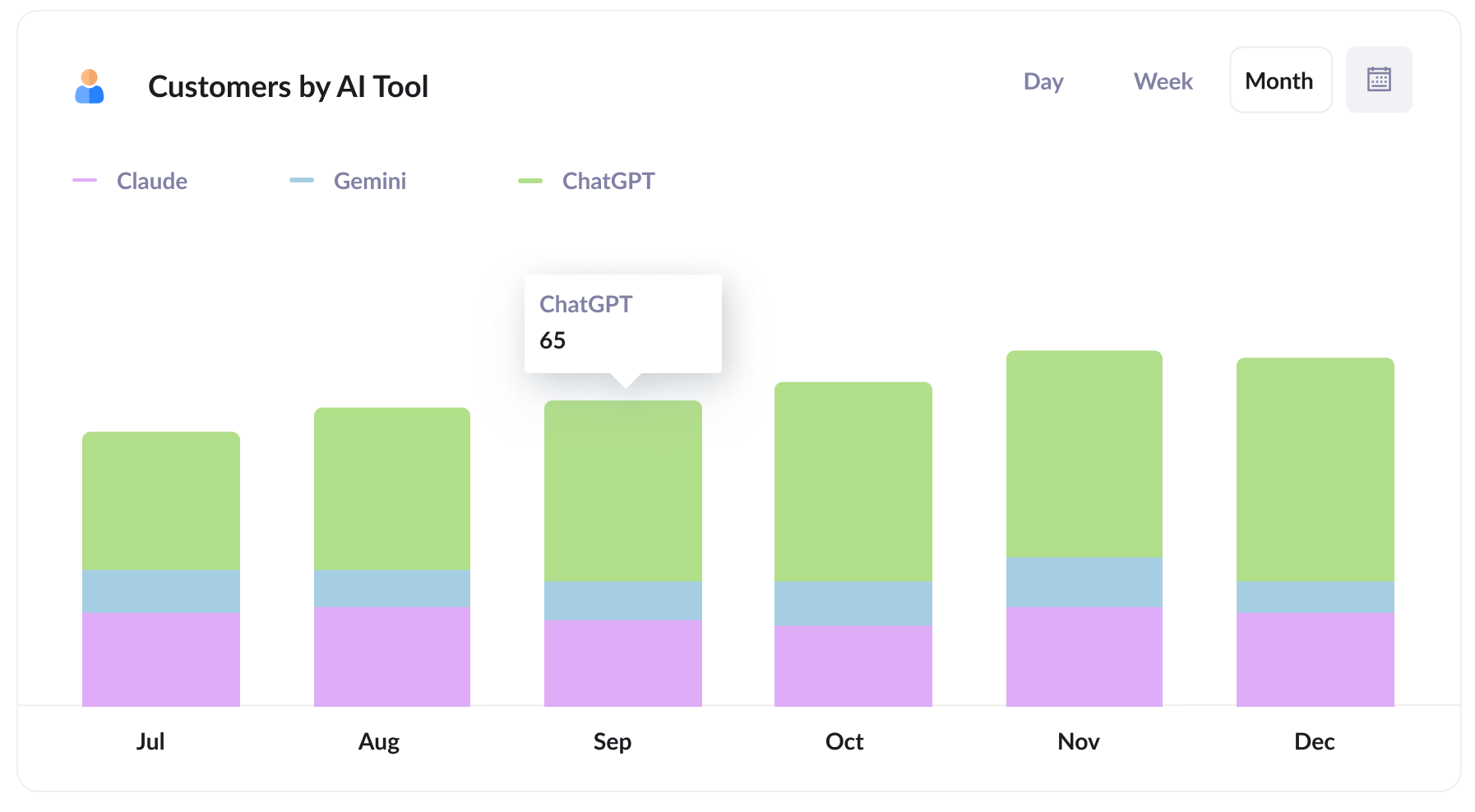
This one shows how many new customers you win each month from AI referral, broken down by the AI tool that sent them.
It allows you to compare ChatGPT, Claude, Gemini, etc. side by side to see which deserve your attention. If most of your AI leads come from ChatGPT, for example, it's probably the tool your audience uses most, and therefore the place you should probably be focusing your efforts.
3. Close rate by channel
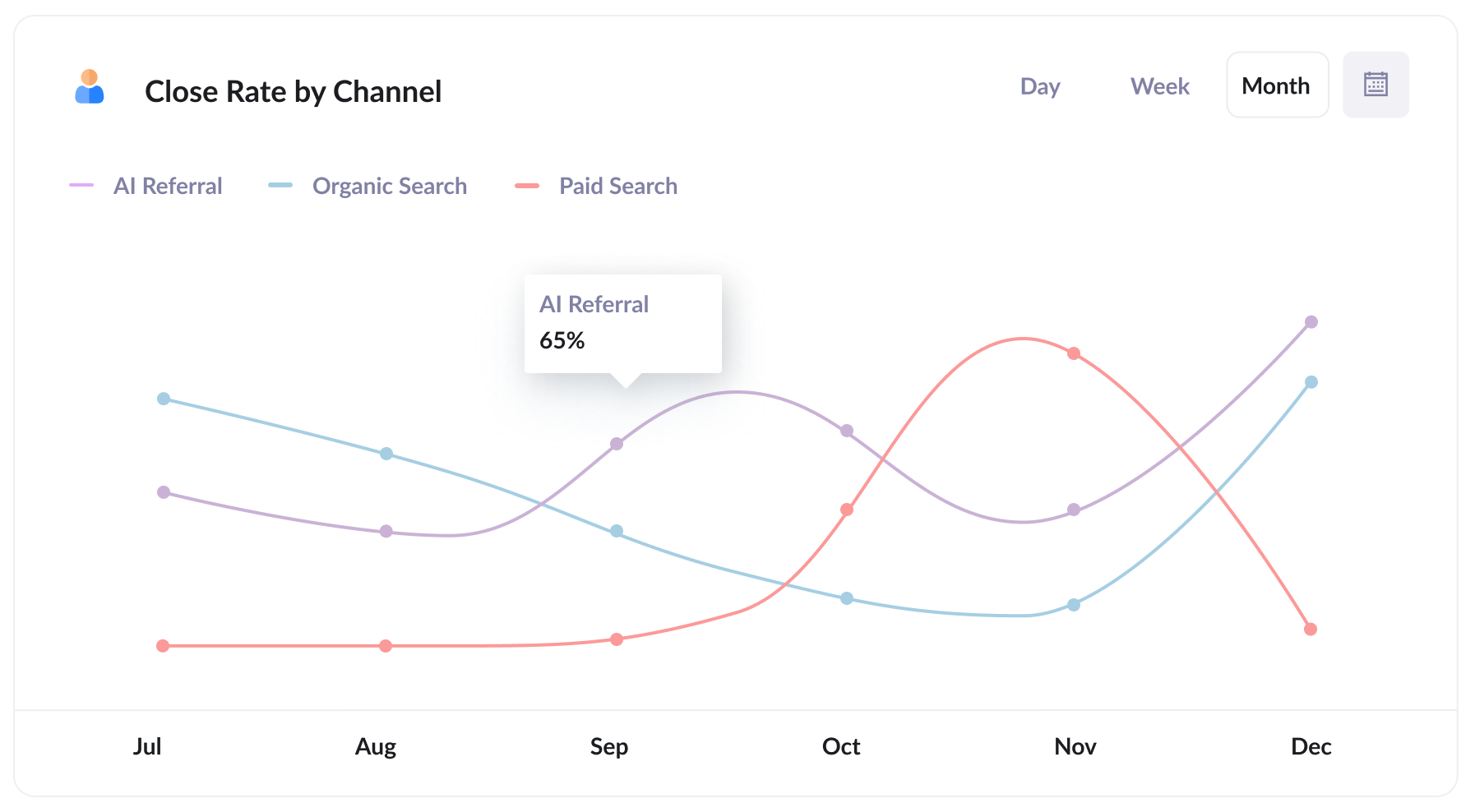
This report shows what percentage of leads go on to become customers, broken down by the channel the lead came from.
What you find in this report can be surprising. You might learn that around 30% of your AI Referral leads become customers, compared with only 10% of Organic Search leads and 7% of Paid Search leads (people who come from AI tools have usually had a conversation with the AI about your product/services, so they tend to be more qualified and close at a higher rate).
If your results look anything like that, a lead from AI could be worth several times as much as one from paid search, and that ought to shape where you spend your time and budget.
Wrap Up
If you'd like to know how many meetings, leads and customers AI tools are really sending you, using Attributer with Calendly is a great way to find out.
Attributer is free to get started with, and setup usually takes less than 10 minutes. So start your 14-day free trial today!
Get Started For Free
Start your 14-day free trial of Attributer today!

About the Author
Aaron Beashel is the founder of Attributer and has over 15 years of experience in marketing & analytics. He is a recognized expert in the subject and has written articles for leading websites such as Hubspot, Zapier, Search Engine Journal, Buffer, Unbounce & more. Learn more about Aaron here.