
How to integrate Google Analytics data into HubSpot Meetings
Use Attributer to capture Google Analytics data every time someone schedules a meeting through HubSpot Meetings, so you can see where your leads and bookings are actually coming from.

You can capture Google Analytics data with each HubSpot Meetings booking using Attributer. Simply add the Attributer code to your site and it will pass through data on where each booking came from (Paid Search, Paid Social, Organic Search, etc). You will then see this data on the Contact record in HubSpot CRM, include it in email notifications, use it in reports, use it in workflows, etc.
Do you know which marketing channels are responsible for driving the meetings booked through HubSpot Meetings on your site?
Tools like Google Analytics are great for telling you how many visitors landed on your website and where they came from. But they fall short when it comes to connecting the dots between those visits and the actual meetings people book with your team.
So while you might know that 500 people visited from Google Ads last month, you have no idea how many of those visitors went on to book a consultation or schedule a call.
The good news? There's an easy fix for this.
In this article, we'll walk you through how to use Attributer to capture Google Analytics data for every meeting booked through HubSpot Meetings on your website.
4 steps for capturing Google Analytics data in HubSpot Meetings
Getting Google Analytics data into HubSpot Meetings with Attributer is really straightforward. Here's how to set it up in 4 quick steps:
1. Add the Attributer code to your website
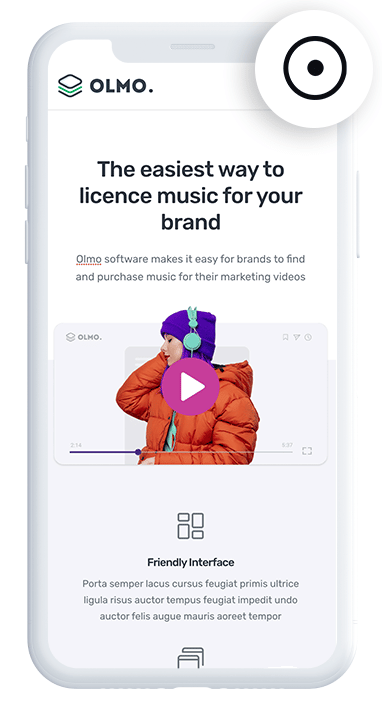
To kick things off, sign up for a free 14-day trial of Attributer.
After registering, you'll receive a small code snippet to place on your website (we've got instructions for all the popular website builders here).
2. Attributer automatically passes through Google Analytics data
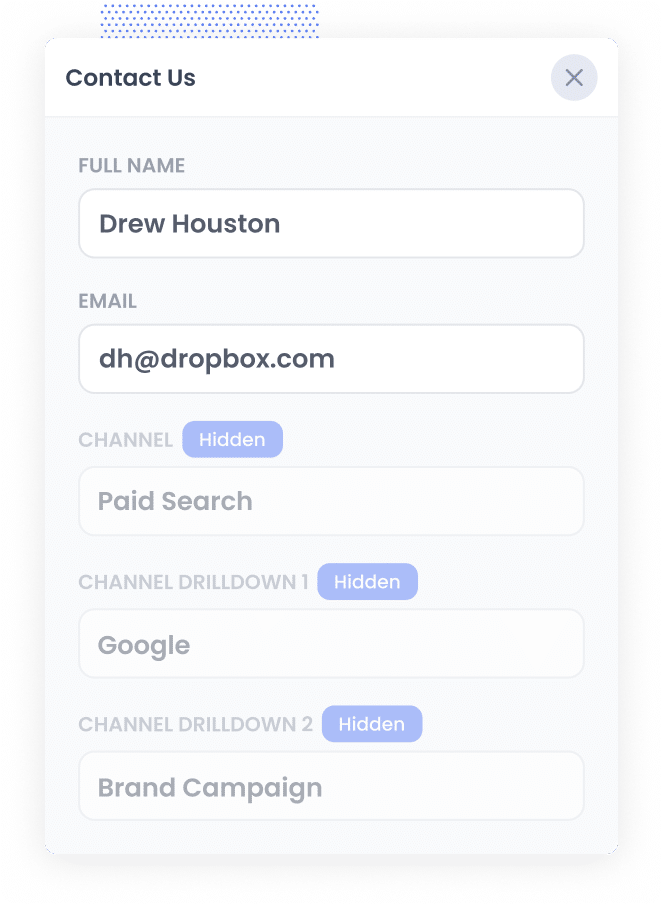
Whenever someone schedules a meeting through a HubSpot Meetings widget on your site, Attributer automatically passes through information about how that person found you and what brought them to your website.
Let me walk you through a quick example to show you what this looks like in practice:
Imagine you're the marketing manager at a law firm that specializes in estate planning. A prospective client clicks one of your Google Ads, browses your website, and then books a free consultation through your HubSpot Meetings page. Attributer would pass through details like this (based on the UTM parameters attached to your ad):
- Channel: Paid Search
- Channel Drilldown 1: Google
- Channel Drilldown 2: Estate Planning Campaign
- Channel Drilldown 3: Estate Attorney Near Me
Beyond the channel data, Attributer also records which page the visitor first landed on (for example, www.smithlegal.com/services/estate-planning) along with the broader section of your site that page belongs to (like /services).
This gives you a complete view of not only where the lead originated, but what content caught their attention when they first arrived.
3. Google Analytics data is captured in HubSpot
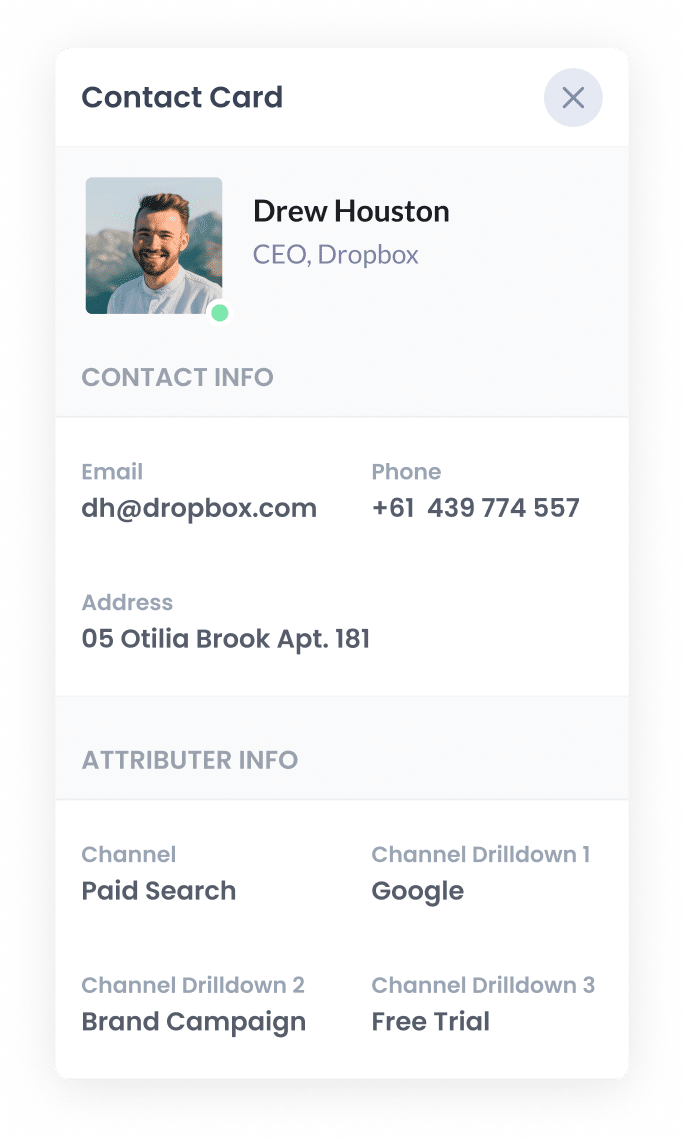
Once the visitor picks a time and books their meeting, the Google Analytics data that Attributer passed through gets captured in HubSpot alongside the booking details like their name, email, and chosen time slot.
Because HubSpot Meetings is part of the broader HubSpot platform, all of this data automatically flows into the contact record in your HubSpot CRM. From there, you can use HubSpot's reporting tools to build dashboards, set up workflows to notify your team, or export the data to a spreadsheet for deeper analysis.
4. Run reports to see where your leads are coming from
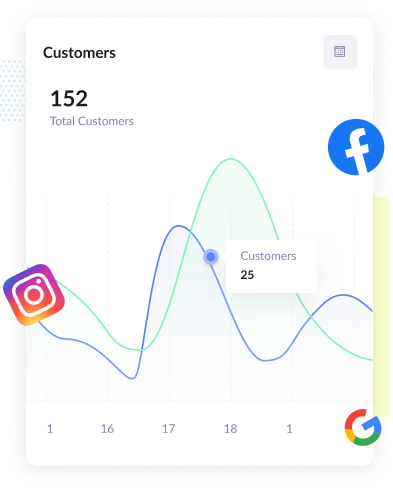
With the data sitting in your HubSpot CRM, you can tap into HubSpot's reporting tools to build charts and dashboards that reveal where your meetings and leads are actually coming from.
For example, you could build reports that answer questions like:
- How many meetings came from your Google Ads campaigns?
- How many bookings were generated by your Facebook Ads?
- How many leads are arriving through Organic Search?
Armed with these insights, you'll have a much clearer picture of which marketing efforts are delivering real results, so you can confidently allocate your time and budget to the strategies that matter most.
What data gets captured in HubSpot Meetings
Attributer passes through two categories of attribution data with each HubSpot Meetings booking:
1. Channel
Attributer captures detailed information about the marketing channel the visitor came through, whether that's Paid Search, Paid Social, Organic Search, or any other channel.
For paid channels, Attributer goes deeper and can also capture specifics like the campaign name, ad group, individual ad, and keyword, so you get a really granular view of what's performing.
2. Landing Page Data
In addition to channel data, Attributer tracks the very first page a visitor lands on when they arrive at your site, along with the broader category that page sits under.
This is incredibly useful because it lets you see which parts of your website are actually driving the most meeting bookings for your business.
4 example reports you can run when you capture Google Analytics data in HubSpot Meetings
Before building Attributer, I spent over 15 years working in marketing for a range of different companies.
Over that time, I built more reports than I can count, all in the pursuit of figuring out which campaigns were actually worth the investment and where we should be channeling our efforts to grow.
Below are 4 of the reports I found most valuable over the years. And the great news is that you can easily create these same reports once you start capturing Google Analytics data in HubSpot Meetings and connecting it to your HubSpot CRM.
1. Leads by Channel
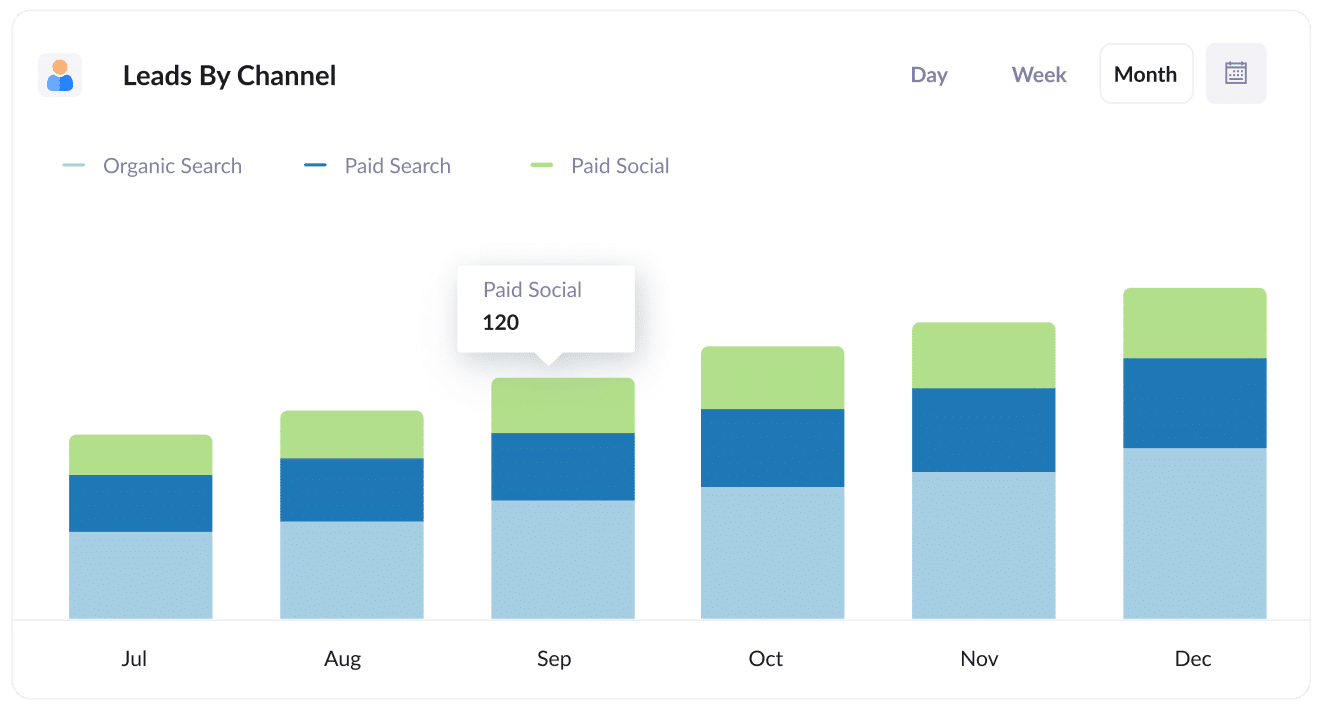
Understanding where your leads are coming from is one of the most fundamental things you can do as a marketer. Whether you refer to them as leads, bookings, or meetings, the principle is the same.
This report gives you a clear view of how many new leads or bookings you're generating each month, organized by the channel they came through.
It makes it easy to spot which channels are delivering the goods and which ones might need some attention. With this knowledge, you can shift your budget and energy toward the channels that are bringing in the strongest results.
2. Opportunities by Google Ads campaign
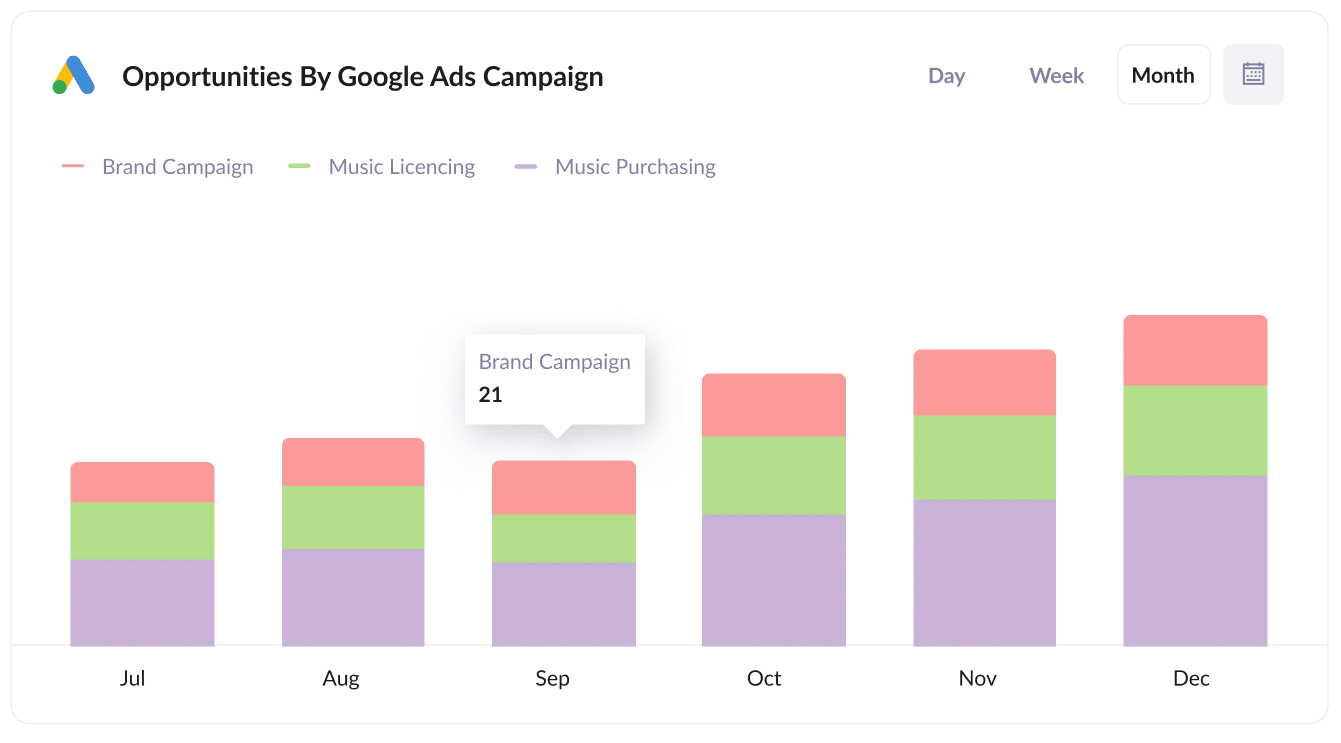
Most businesses running Google Ads have multiple campaigns going at the same time, and knowing which ones are pulling their weight is critical.
This report lays it out clearly by showing you how many sales opportunities each campaign is generating on a monthly basis.
With this data in front of you, it becomes straightforward to invest more in the campaigns feeding your sales pipeline and dial back on the ones that aren't delivering.
3. Customers by Facebook Ads Network
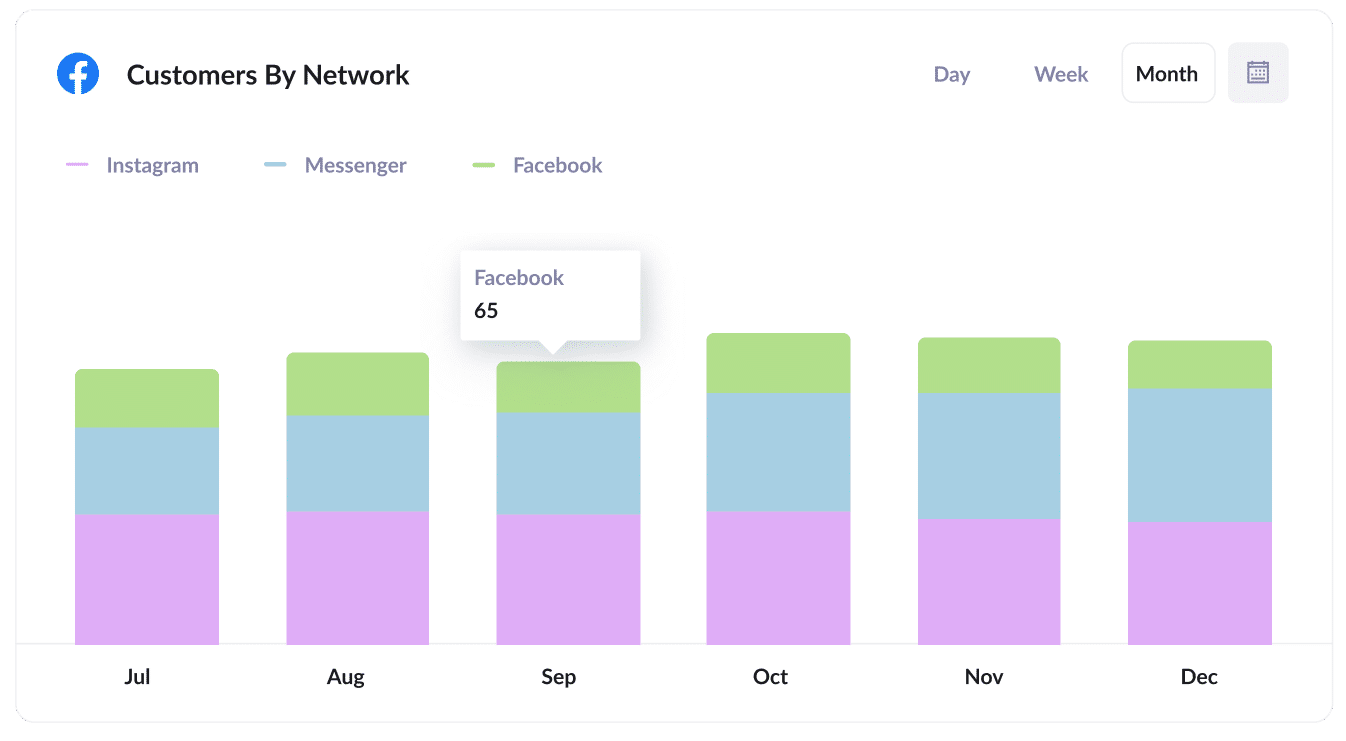
When you run ads on Meta, they typically appear across several different platforms in the Meta ecosystem, including Facebook, Instagram, Messenger, and WhatsApp.
Since each of these platforms attracts a different audience and performs differently, it pays to understand which ones are actually converting into customers.
This report breaks it down on a monthly basis so you can see exactly how many new customers are being generated by each network. That way, you can fine-tune your ad strategy and put your spend where it's getting the best return.
4. Revenue from Organic Search by search engine
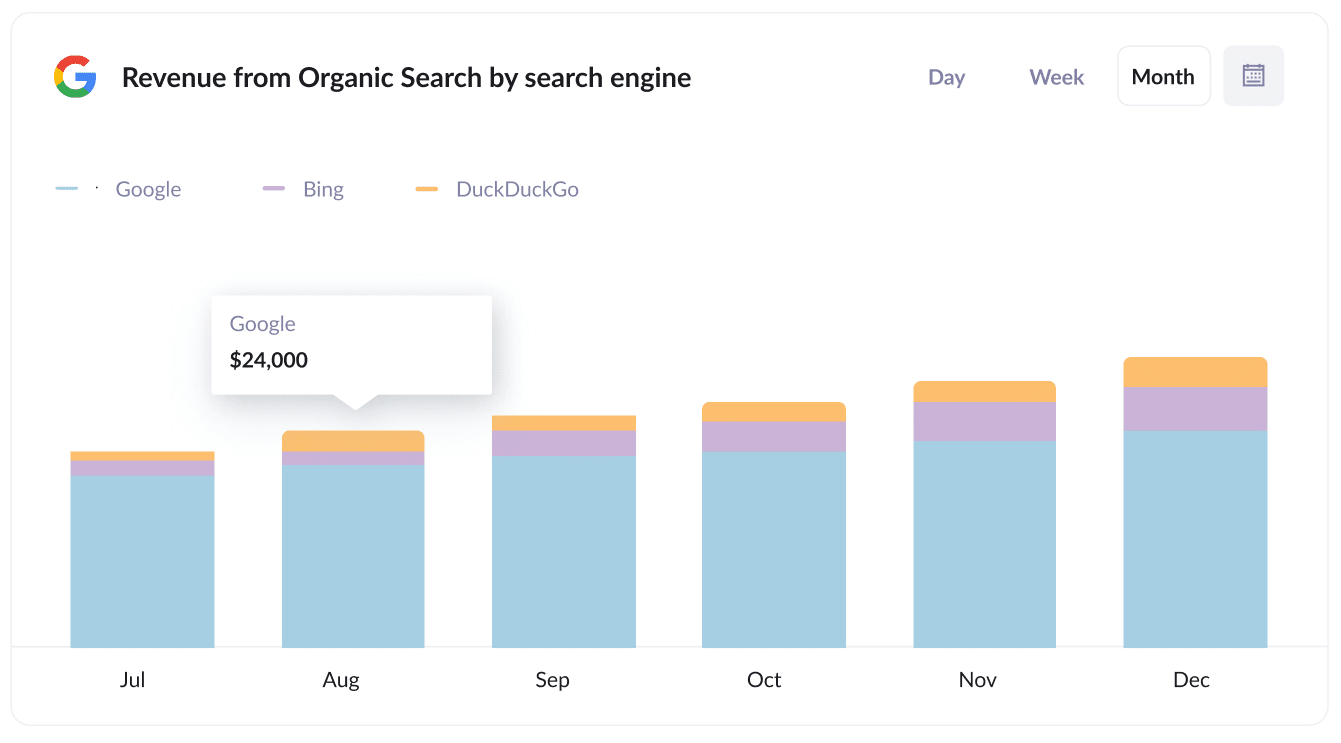
SEO takes time and effort, so it's only natural to want to know whether it's actually paying off.
This report gives you a direct answer by showing exactly how much revenue has been generated by customers who originally found you through organic search. It even breaks the data down by search engine so you can see whether Google, Bing, or another engine is delivering the most value.
With this level of visibility, you can make more informed decisions about your SEO strategy and understand the true return on your investment.
Wrap up
Attributer is a fantastic way to capture Google Analytics data every time someone books a meeting through HubSpot Meetings.
Once the data is flowing into your HubSpot CRM, you can build reports that reveal which marketing activities are generating the most bookings, and more importantly, which ones are converting those bookings into real paying customers.
The best part? You can get started for free, and the whole setup process takes about 10 minutes. Start your 14-day trial today!
Get Started For Free
Start your 14-day free trial of Attributer today!

About the Author
Aaron Beashel is the founder of Attributer and has over 15 years of experience in marketing & analytics. He is a recognized expert in the subject and has written articles for leading websites such as Hubspot, Zapier, Search Engine Journal, Buffer, Unbounce & more. Learn more about Aaron here.